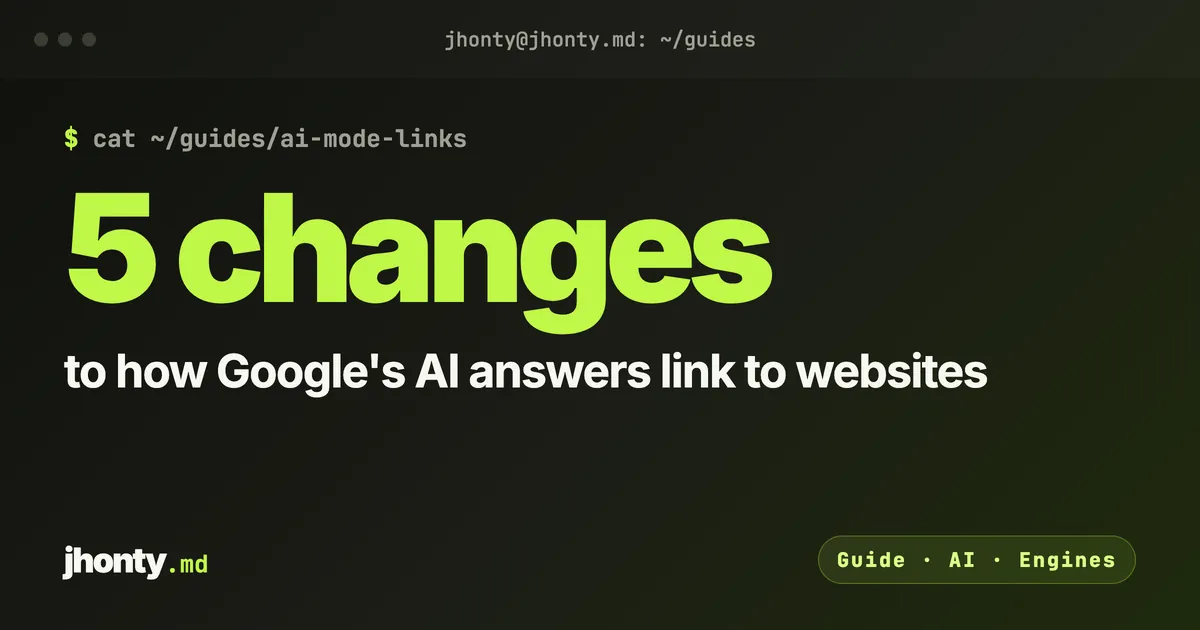
Ever since AI Overviews launched, the worry about Google’s AI answers has been simple: they answer the question, so nobody clicks. On 15 October Google announced five changes that go the other way. Every one of them adds a link, or makes a link bigger.
I’m not going to pretend that fixes the click problem. But it changes the question you should be asking. It’s less “will anyone click?” and more “when Google adds a link, will it be to me?” Here’s each change, what Google actually said, and what I’d do about it.
1. More inline links, higher up
Google describes inline links as “links embedded in words or phrases in an AI response”. It says it has made “continued and substantial increases” to how often they appear, and it’s now showing them higher up in answers more often.
What it rewards. An inline link hangs off a phrase, so it points to a page that backs up that phrase. Google hasn’t said how it picks the page. My working assumption is that a page which states a fact plainly, in a sentence that can stand on its own, is easier to attach to a phrase than a page that wraps the same fact in three paragraphs of introduction.
What to do. On the pages you want cited, put the answer first. One clear sentence per fact: what it costs, how long it takes, who it’s for. Then the detail.
2. An “official websites” section (being tested)
This is the one I’d pay most attention to. Google says: “Sometimes, there are only one or two official places on the web to complete a specific task or get the exact info you need.” It’s testing a section at the top of AI answers that shows those links, “with context about why each link is useful”.
What it rewards. Being obviously the right place to do something. Booking an appointment with you, getting your quote, checking your opening hours, paying an invoice. For those tasks, your site should be the official place, and nobody else’s.
What to do. Make one page per task, and make it unmistakable. The page title says the task (“Book a boiler service in Leeds”), the task can be done on that page, and nothing else on your site competes with it. If your booking lives in a pop-up on the homepage, Google has no page to point at.
3. News carousels that favour Preferred Sources
Google is rolling out its carousels for timely articles to more locations and languages, and says these carousels “highlight your Preferred Sources”. It also says the number of people using Preferred Sources “has grown by more than 7x since the start of the year”.
What it rewards. Publishers that readers have actively chosen. This is one of the few places where your audience directly changes what Google shows them.
What to do. If you publish timely articles, ask your regular readers to choose you as a preferred source. If you don’t publish news, skip this one.
4. Bigger related links, with thumbnails
The links at the end of some AI answers are getting “image thumbnails and a more clickable design”.
What it rewards. Pages that have something worth showing in a thumbnail.
What to do. Give every article a real, relevant main image: a chart from your own data, a photo of your actual work, a clear diagram. Google hasn’t said exactly how it picks the thumbnail. But a page with no image, or a generic stock photo, has less to show in a spot that’s now designed to be clicked.
5. Clickable creator profiles on video results (being tested)
Google has started testing clickable creator and publisher names on video results in AI Mode, linking to their Search profiles.
What it rewards. People who make video under their own name.
What to do. If you publish on YouTube, check whether you’re eligible for a Search profile. If you don’t make video, this is a reason to think about starting. AI answers are giving creators a named spot, and an unnamed brand doesn’t get one.
What hasn’t changed
Google’s own documentation says there are no extra technical requirements for AI Overviews and AI Mode: a page has to be indexed and eligible to show in Search with a snippet. None of this needs special markup or a new file. It needs pages that are clearly the right answer to something.
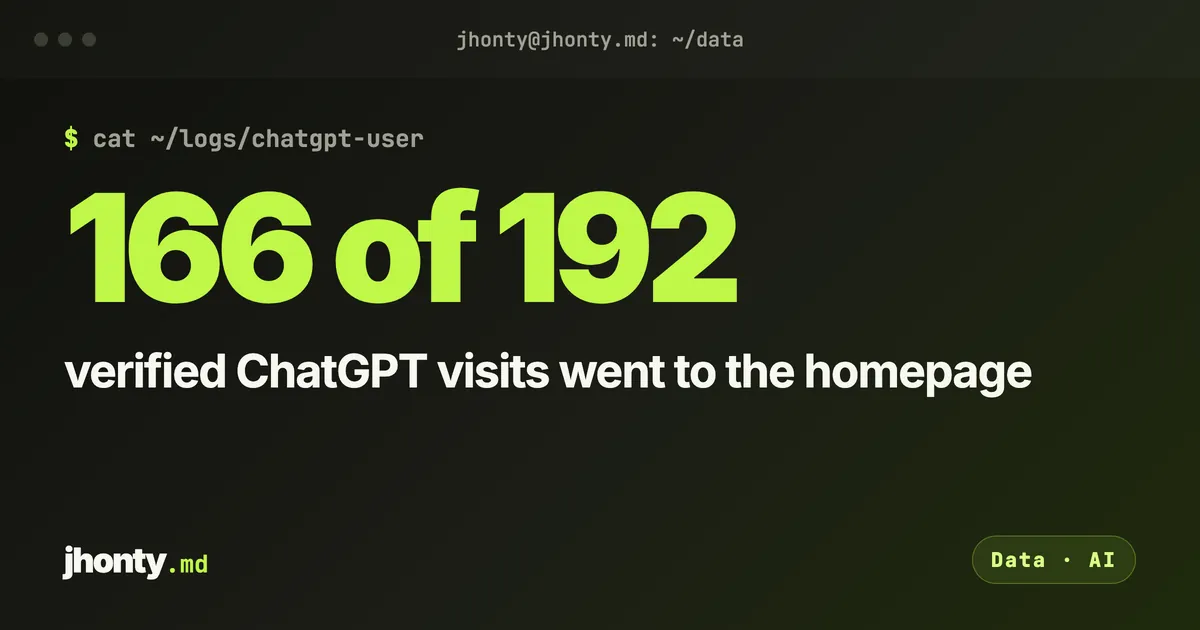
That matches what we see elsewhere. When ChatGPT opens a small business site, it mostly reads the homepage. For “who’s the best” questions, it reads the lists. In every case, the page that gets the link is the one that makes its job obvious.
Which page on your site is the official place to get something done, and would Google know that from the page alone?
## Sources