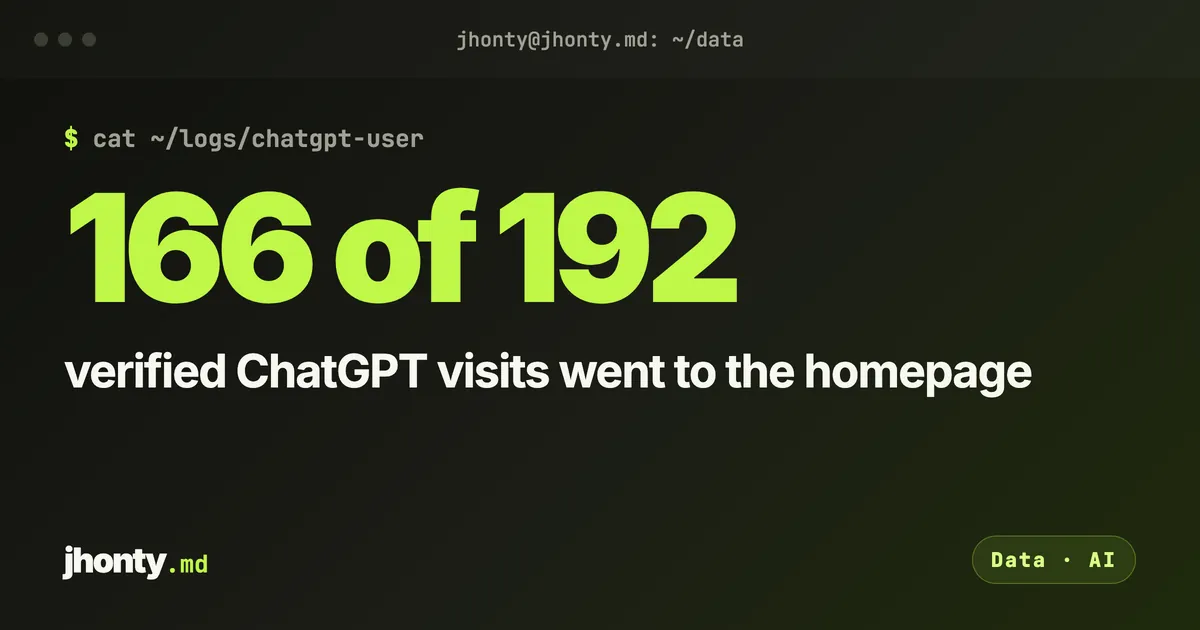
ChatGPT opened one of our client’s sites 192 times in two weeks. 166 of those visits were to the homepage.
Most AEO advice points you at service pages and blog posts, because that’s where the keywords live. So we went into the raw logs to see what ChatGPT actually reads when a real question brings it to a small business website. The answer surprised me enough that I changed how we audit sites.
What a ChatGPT-User visit is
OpenAI runs a few different bots, and they do different jobs. GPTBot crawls in the background. OAI-SearchBot is used to show sites in ChatGPT’s search results. ChatGPT-User is the one that matters here.
When someone asks ChatGPT a question and it decides to read a page live to answer it, the request comes in as ChatGPT-User. OpenAI’s own documentation says this agent isn’t used for crawling the web automatically. In other words, a person asked something, and your page got read to answer them.
That’s about as close to a “visit from a potential customer” as AI search gets right now.
Why you won’t see it in GA4
None of this shows up in Google Analytics. GA4 filters known bot traffic out automatically, so these visits never reach your reports.
It sits in your server logs, or your CDN logs if you’re behind Cloudflare or similar. If you’ve never looked there, you’ve never seen this traffic.
The 10 minute version
You don’t need a tool for this. You need your access logs and a bit of patience.
- Pull every ChatGPT-User request. Search your server or CDN logs for the user agent string
ChatGPT-User. - Throw out the fakes. OpenAI publishes the IP ranges it uses for ChatGPT-User at
openai.com/chatgpt-user.json. Check every request against that list. Anyone can put “ChatGPT-User” in a user agent, and plenty of scrapers do. - Rank what’s left by page. Count verified visits per URL and sort.
Step 2 is the one people skip, and it changes the numbers a lot. On one of our sites, 121 of the 192 requests calling themselves ChatGPT-User came from outside OpenAI’s ranges. Most of them were from Google Cloud addresses, which usually means a tool borrowing the name. Skip the check and you’re counting scrapers.
If your logs are a plain access log, this is enough to get started:
grep "ChatGPT-User" access.log | awk '{print $1, $7}' > chatgpt.txtThat gives you the IP and the path for each request. Then match the IPs against the prefixes in OpenAI’s JSON file (Python’s ipaddress module does this in a few lines) and count paths for the ones that match.
What we found
We ran this on two small service businesses over the same 15 days in September 2026. Neither is a big site, and both are local.
| Site | ChatGPT-User requests | Verified as OpenAI | To the homepage | To service pages |
|---|---|---|---|---|
| London cleaning company | 231 | 192 | 166 | 3 |
| US portrait photographer | 192 | 71 | 68 | 1 |
I wanted to rule out a loop, one session hammering the same URL. It wasn’t that. The homepage visits were spread over 165 and 68 different minutes across the 15 days.
So on both sites, when a real question brought ChatGPT to the door, it read the homepage almost every time. The service pages, the ones with the keywords and the detail, barely got opened.
Why the homepage? I don’t know, and nobody does yet
I’d rather be straight about this. OpenAI doesn’t say how ChatGPT picks which page to open, and two sites can’t tell you. So I’m not going to pretend to know the reason.
What I’m confident about is the practical part. Whatever the reason, the homepage is the page being read, and most homepages are built to be looked at, not read. A slogan, a slider, a button and a stock photo.
Read your homepage the way a model does
Open your homepage with JavaScript switched off, or copy all the visible text into a plain document. Then ask whether a model could answer these five things from that page alone:
- What do you do?
- Where do you do it?
- Who is it for?
- Roughly what does it cost, or how does pricing work?
- Why should anyone trust you?
If the answer to any of them is “you’d have to click through to find out”, that’s the gap. ChatGPT mostly isn’t clicking through. On our two sites it opened a service page four times in total.
The JavaScript point matters more than people think. GPTBot and ClaudeBot don’t run JavaScript, so anything that only appears after your page hydrates isn’t there for them. I wrote about that in retrieved isn’t opened.
The fix here is usually homepage copy, not another blog post. Write a plain paragraph near the top that answers those five questions in normal sentences. It reads fine to people too.
The limits
Two sites, two weeks, both local service businesses. Render, where both sites are hosted, keeps about 15 days of request logs, which is why the window is two weeks and not a month. A large ecommerce site or a SaaS product will almost certainly look different.
So don’t rewrite anything off the back of my numbers. Run the check on your own logs first. It takes about ten minutes, and you’ll know more about your AI traffic than any dashboard has told you so far.
What would ChatGPT learn about your business if your homepage was the only page it ever read?
## Sources
First shared as a shorter post on LinkedIn.